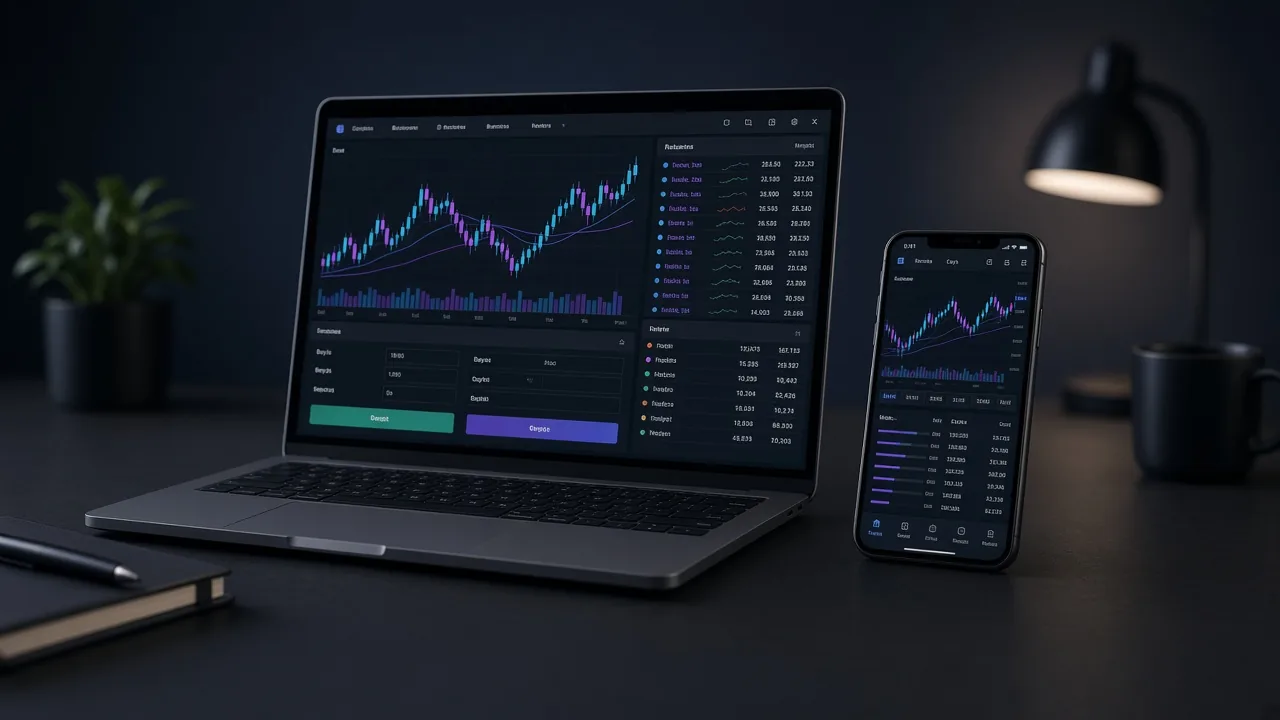
Where you trade with MOJA Funded: mobile app or browser terminal
You don’t need MetaTrader or an external futures broker. You trade spot crypto on MOJA Funded’s own terminal — in the browser or the iOS/Android app, with the same synced account.
One account. Three surfaces. The same spot terminal
MOJA Funded is built for spot traders: buy your challenge, sign in, and trade on the platform terminal. No futures requirement and no hidden leverage as a challenge condition.
The account is the same on web, iOS and Android. Orders, equity, drawdown and challenge status stay in sync — analyse on desktop, adjust from your phone without losing context.

Browser vs app: which should you use?
Browser terminal
Go to mojafunded.com, sign in and open the terminal. Ideal on desktop: wide charts, challenge dashboard, history and account tools in one session. Perfect for planning your UTC session and focused trading.
iOS & Android app
Download MOJA Funded on the App Store or Google Play. The same spot experience in your pocket: live charts, orders and drawdown tracking when you’re away from the desk. Great for alerts, quick checks and session continuity.

Quick comparison
Both paths use the same account capital and the same challenge or funded rules.
| Aspect | Browser | iOS / Android app |
|---|---|---|
| Access | mojafunded.com (login) | App Store / Google Play |
| Best for | Long sessions & analysis | Mobility & monitoring |
| Charts & orders | Full spot terminal | Full spot terminal |
| Account & sync | Same account | Same live account |
| Challenge / funded | Identical rules | Identical rules |
How to start trading in 4 steps
1. Pick your challenge
On Pricing choose 1-step or 2-step for your style. The challenge is simulated; once approved, you trade firm capital with a profit split.
2. Create your account and sign in
Register once. That login works in the browser and in the app.
3. Open the terminal (web or app)
On desktop use the web terminal; on mobile install the official app. You’ll see the same equity and drawdown rules.
4. Trade spot with discipline
Respect your plan’s daily and max drawdown, minimum trading days if any, and your risk size. Progress is tracked automatically.
What you do NOT need to trade on MOJA
Checklist before your first session
Why the platform matters for serious traders
Many traders search for a “prop firm app” or “web crypto challenge terminal” because they want frictionless execution. MOJA Funded answers with a native spot terminal in the browser and on mobile — evaluation and funded trading in one ecosystem.
Once you know the rules (drawdown, USDT payouts, KYC), choose where you focus best: desktop for depth, mobile for continuity — or both.
Related guides
Ready to trade on web or mobile?
Pick your spot challenge, sign in, and open the MOJA Funded terminal — in the browser or the official app.
See plans and start